Certificate Verification
Here is a way to do online verification for certificate document issued by Sungkyunkwan University.
Required
- Internet Explorer
- Install required programs asked by skku.edu
Steps
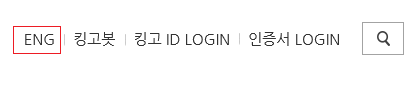
Go to skku.edu (choose English version on the top right corner)
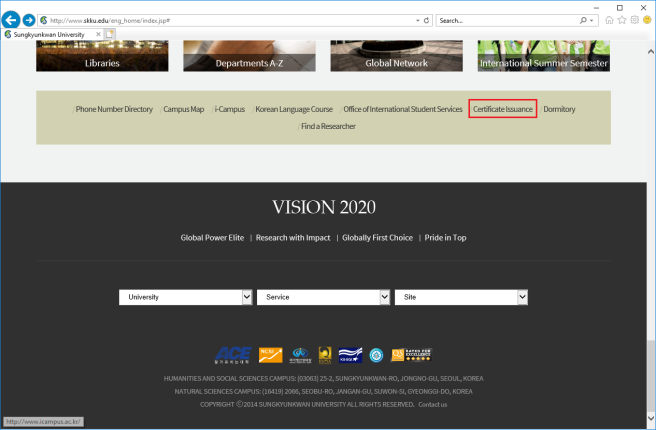
Scroll down and click Certificate Issuance
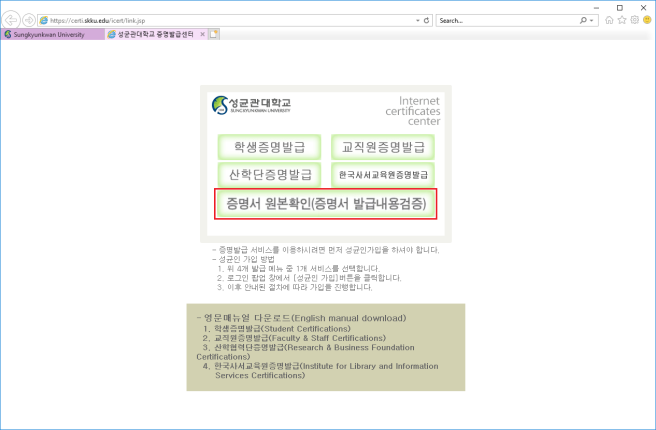
Click the option 증명서 원본확인(증명서 발급내용검증) as shown on the picture bellow
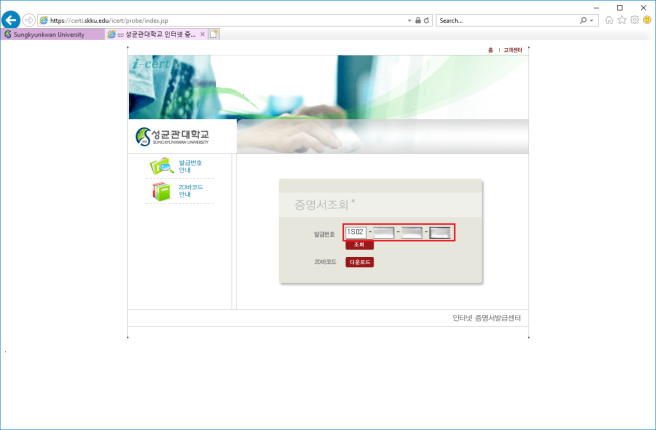
Input the Issue No. of certificate document
Notes:
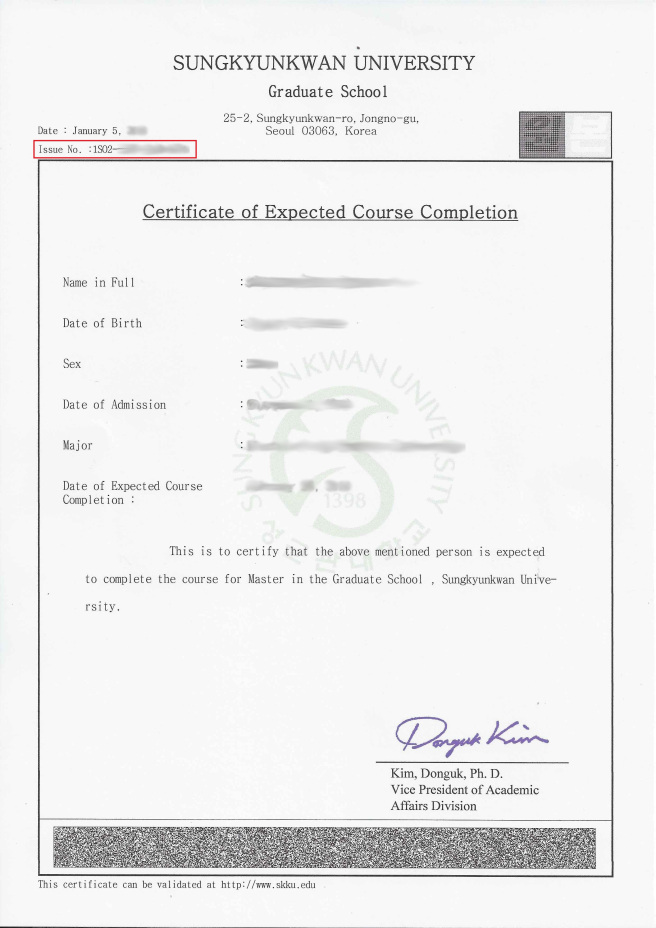
You can find the Issue No. (발급번호) on the top left part of certificate
Possible error you will encounter looks like this
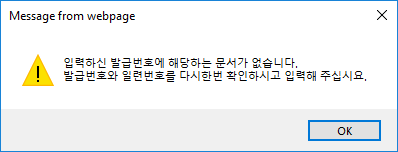
Message from webpage: 입력하신 발급번호에 해당하는 무서가 없습니다. 발급번호와 일련번호를 다시한번 확인하시고 입력해주십시오. It says that the number you input doesn’t exists. High possibility that you input the wrong character. Maybe you miss between 0 (zero) and O (uppercase alphabet). Try it again.
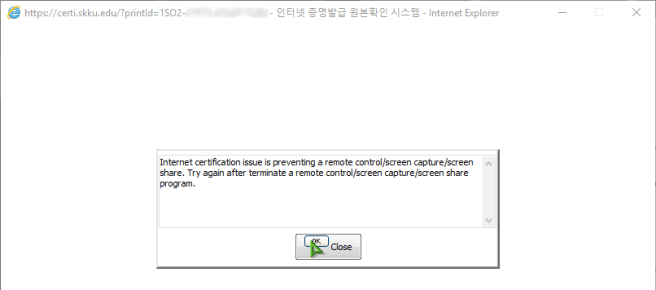
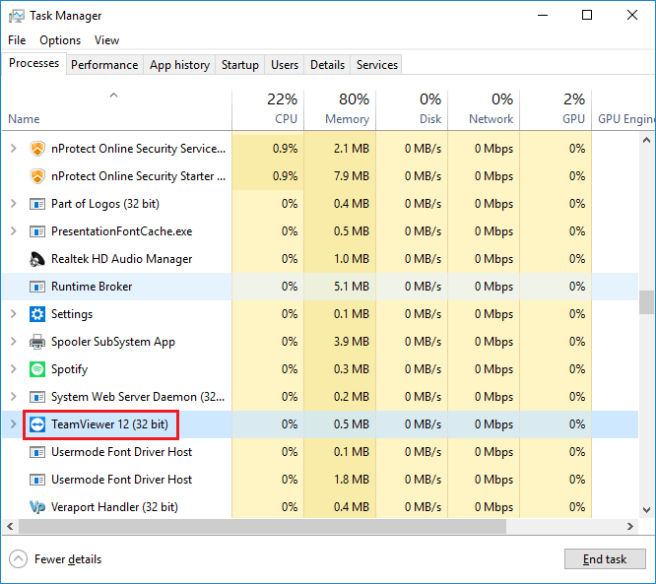
If this error appears, you must terminate any remote control program (e.g. TeamViewer).
Example: terminate the remote control program from Task Manager. Right click and choose End Task.
Once all are set, you will be able to preview the certificate.
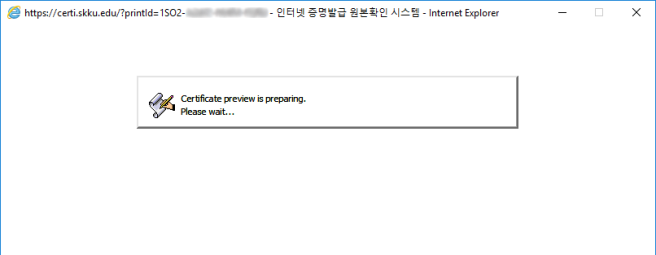
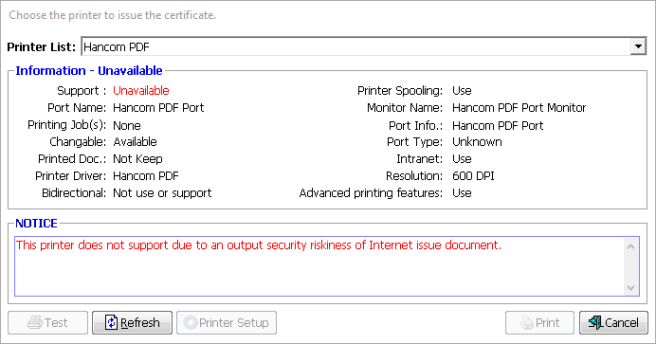
You can only print the preview document on real printer. You can not print it as PDF file.
That’s all.